
Understanding Tree Supports in 3D Printing
Anyone who’s spent any time with FDM or resin 3D printers knows that post-processing can be a time-consuming chore. Removing supports, sanding scars, and dealing with failed prints are all too familiar. Thankfully, slicer software has evolved, introducing the innovative “tree support” structure—a game-changer for reducing both support material and the time you spend cleaning up your prints.
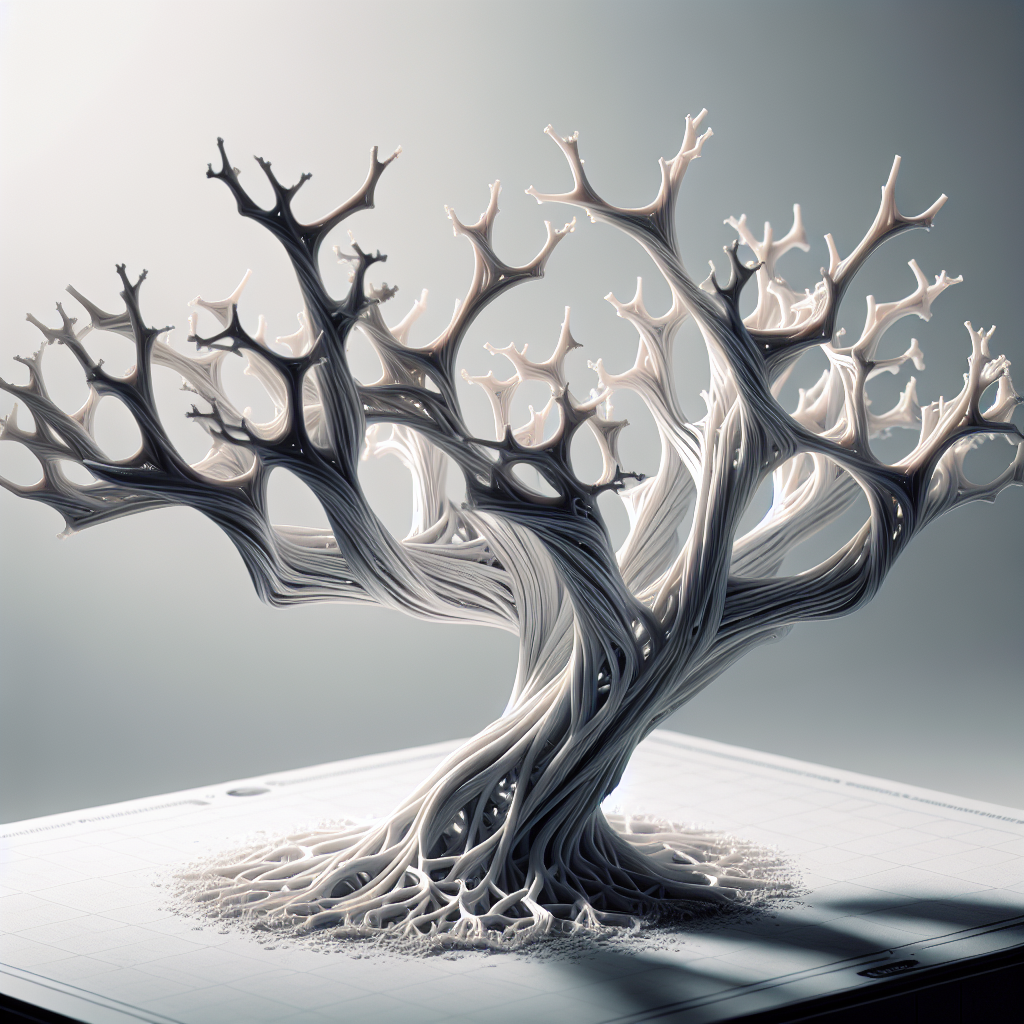
Tree supports, unlike traditional linear supports, grow from the build plate in organic, branching shapes, just like a tree. This structure uses less material, offers targeted support to overhangs, and is much easier to remove, often snapping off with minimal effort and leaving behind a cleaner surface.
Comparing Tree Supports to Traditional Supports
Traditional supports are vertical columns that require a lot of contact between the support and your print. These pillars can be tough to remove and often scar the finished part. Tree supports, on the other hand, branch out and only touch your print where necessary, minimizing contact and making removal easier.
Consider these key benefits:
- Less Material Usage: Tree supports are hollow and branch only where needed, saving filament or resin.
- Cleaner Surfaces: Reduced contact points mean fewer marks and scars to sand or polish away.
- Faster Post-Processing: The organic structure is easier to break off, cutting down support removal time dramatically.
When to Use Tree Supports
Tree supports are especially useful for prints with:
- Complex overhangs
- Delicate features that might snap during support removal
- Large models where conventional supports would waste a lot of material
However, for models with small, dense, or flat overhanging areas (like the bottom of a cube), traditional supports may still be necessary for optimal first-layer adhesion.
Setting Up Tree Supports in Your Slicer
Tree supports are available in slicers like Ultimaker Cura and PrusaSlicer. Here’s how to set them up for best results:
- Choose the Right Slicer: Open your favorite slicer (e.g., Cura) and load your 3D model.
- Enable Tree Supports: In Cura, go to the “Support” section, select “Generate Support”, and then change the “Support Structure” setting from “Normal” to “Tree”.
- Adjust Key Parameters:
- Branch Angle: A higher angle makes supports more vertical. Lower angles help branches curve around your model, supporting tough overhangs.
- Branch Distance: Controls how frequently branches sprout. Closer branches offer more support but use more material.
- Support Placement: Choose “Touching Buildplate” for most prints to keep supports off the model except where necessary.
- Preview: Use the slicer’s layer preview tool to ensure coverage of overhangs without unnecessary contact.
- Print and Remove: Once printing finishes, tree supports often snap off with a gentle twist or by hand, with minimal scarring.
Tips for Reducing Post-Processing Time
- Calibrate Your Printer: Well-tuned printers reduce support fusion to the model, making tree supports even easier to remove.
- Use the Right Material: PLA is easier to clean up than ABS or PETG due to its brittleness.
- Fine-Tune Support Settings: Minimize branch thickness and contact points for models that don’t need heavy support.
- Experiment With Orientation: Sometimes rotating your model can minimize the number of supports needed, especially with tree structures.
- Post-Processing Tools: Use flush cutters or a craft knife for final touch-ups, but with tree supports, you’ll need them less frequently.
Conclusion: A Better Way to Support Your Prints
Tree supports are a powerful way to reduce the headaches of post-processing in 3D printing. By minimizing material use, reducing scarring, and making removal a breeze, they allow makers to spend less time cleaning up and more time creating. Give tree supports a try on your next complex model and enjoy smoother, faster post-processing!
Leave a Reply