
Introduction: The Appeal of Transparent 3D Prints
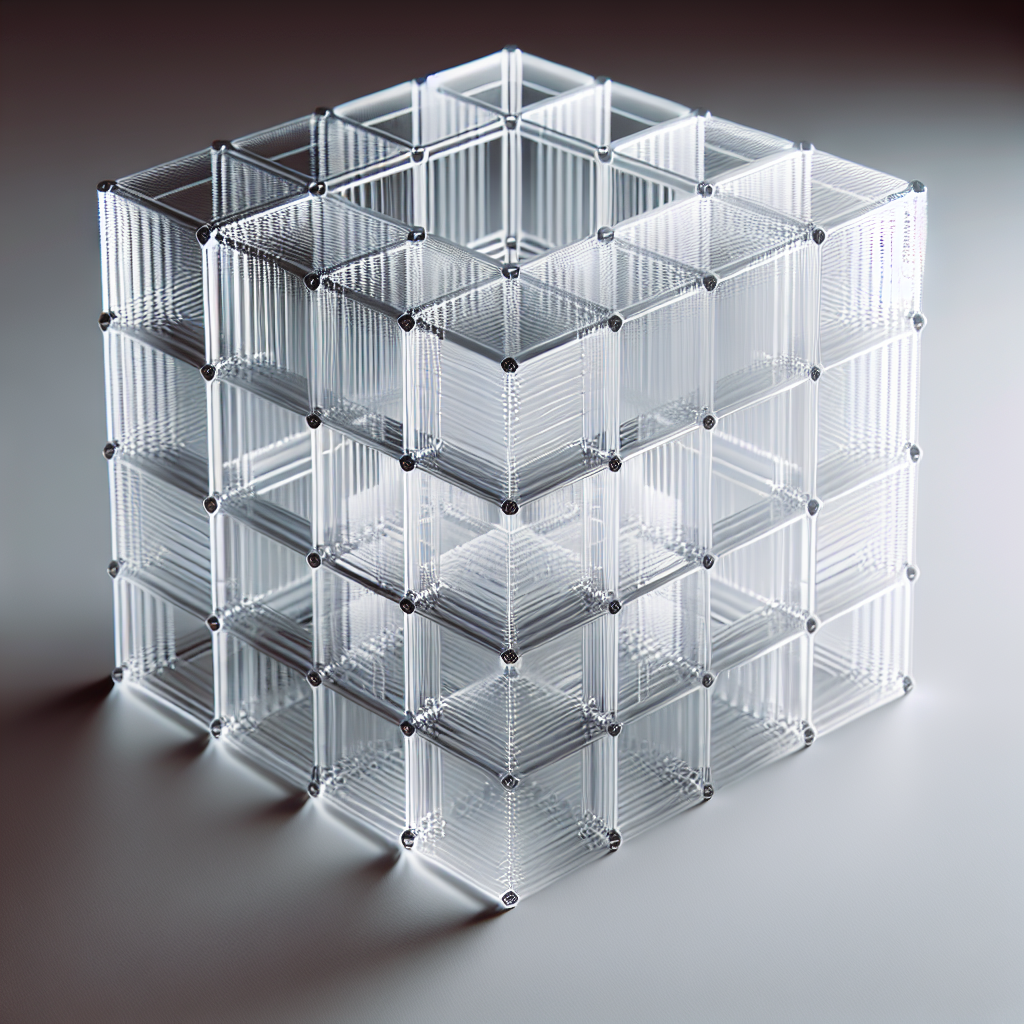
Transparent 3D prints are highly sought after for their stunning aesthetics and functional uses—think light covers, lenses, artistic models, and more. While achieving truly glass-like clarity with consumer FDM 3D printers remains challenging, it’s entirely possible to create impressively clear parts with the right techniques, settings, and post-processing. Drawing from years of hands-on 3D printing experience, here’s how you can get the most out of clear filament.
Choosing the Right Clear Filament
Not all 3D printer filaments are equally suited for transparent prints. The two most popular options are:
- PETG: Offers good strength, flexibility, and clarity. Easier to print than most clear filaments and less prone to yellowing.
- Clear PLA: More accessible and user-friendly, but inherently less clear due to its crystalline structure and lower heat tolerance.
Other options like PMMA (acrylic) and polycarbonate can yield higher clarity but are much more challenging to print. For most hobbyists and even pros, high-quality clear PETG or specialty clear PLA is the go-to.
Best Printer Settings for Transparent Results
Getting transparency isn’t just about the filament—it’s about minimizing internal air gaps and achieving smooth surfaces. Here’s how:
- Layer Height: Use larger layer heights (e.g., 0.2-0.3mm) to reduce the number of layer lines and interfaces that scatter light.
- Nozzle Temperature: Print at the higher end of your filament’s recommended range. Hotter temperatures can help layers fuse better, reducing optical distortion. For PETG, that’s often 240-250°C.
- Wall and Infill Settings: Print with thick walls—at least 3-4 perimeters—to reduce visible infill. For truly clear sections, you may want to print with 100% infill set to “concentric” or “rectilinear” for the smoothest internal structure.
- Print Speed: Slow down! Printing slower (30-40mm/s) allows layers to fuse better, improving transparency.
- Cooling: Reduce or turn off part cooling fans. Less cooling allows the layers to bond more, reducing micro-gaps that cloud the print.
Model Design Tips for Transparency
Part design can make or break clarity. Follow these tips:
- Thick Walls: Thin walls can refract and scatter light, making prints look frosted. Design walls at least 2mm thick for better results.
- Smooth Surfaces: Avoid sharp overhangs, bridges, or small details—these create more visible layer lines.
- Solid Structures: Prints with solid infill are clearer than hollow ones due to fewer light-scattering surfaces inside the part.
Post-Processing for Maximum Clarity
Even with perfect settings, freshly printed clear parts will look slightly cloudy. To boost transparency, try:
- Sanding: Wet sand the surface starting with 400-grit and progress up to 2000-grit sandpaper. Always sand in straight lines, not circles.
- Polishing: Buff with a plastic polish (like Novus or Meguiar’s) and a microfiber cloth for a glassy finish.
- Chemical Smoothing: Certain filaments (like PETG) can be lightly smoothed with isopropyl alcohol vapor, but this must be done with extreme care due to safety risks. Never use acetone on PETG or PLA.
- Clear Coating: Spray on a clear acrylic or polyurethane varnish for a final glossy finish and to fill in microscopic scratches.
Troubleshooting Common Issues
Transparent prints are sensitive to even small print issues:
- Cloudy or Milky Results: Check that you’re printing hot enough, slow enough, and with minimal cooling. Increase perimeters and solid infill.
- Bubbles or Gaps: Dry your filament thoroughly before printing—moisture in the filament causes bubbles and reduces clarity.
- Stringing: Tweak retraction settings and keep your nozzle clean. Excess strings scatter light.
When to Consider Resin Printing
For the ultimate in glass-like clarity, SLA or DLP resin printers are the gold standard. Specialized clear resins and post-curing steps yield superior results compared to FDM. If you need optically clear parts for functional or artistic use, resin may be worth the investment.
Conclusion: Practice Makes Perfect
Achieving truly transparent 3D prints with clear filament is as much an art as it is a science. With careful material selection, optimized print settings, thoughtful part design, and diligent post-processing, you can achieve impressive clear prints with your FDM printer. Experiment, take notes, and don’t be afraid to iterate—clarity improves with practice and attention to detail.
Ready to try your hand at transparent 3D printing? Share your results and tips in the comments below!
Leave a Reply