
Understanding Glow-in-the-Dark Filament
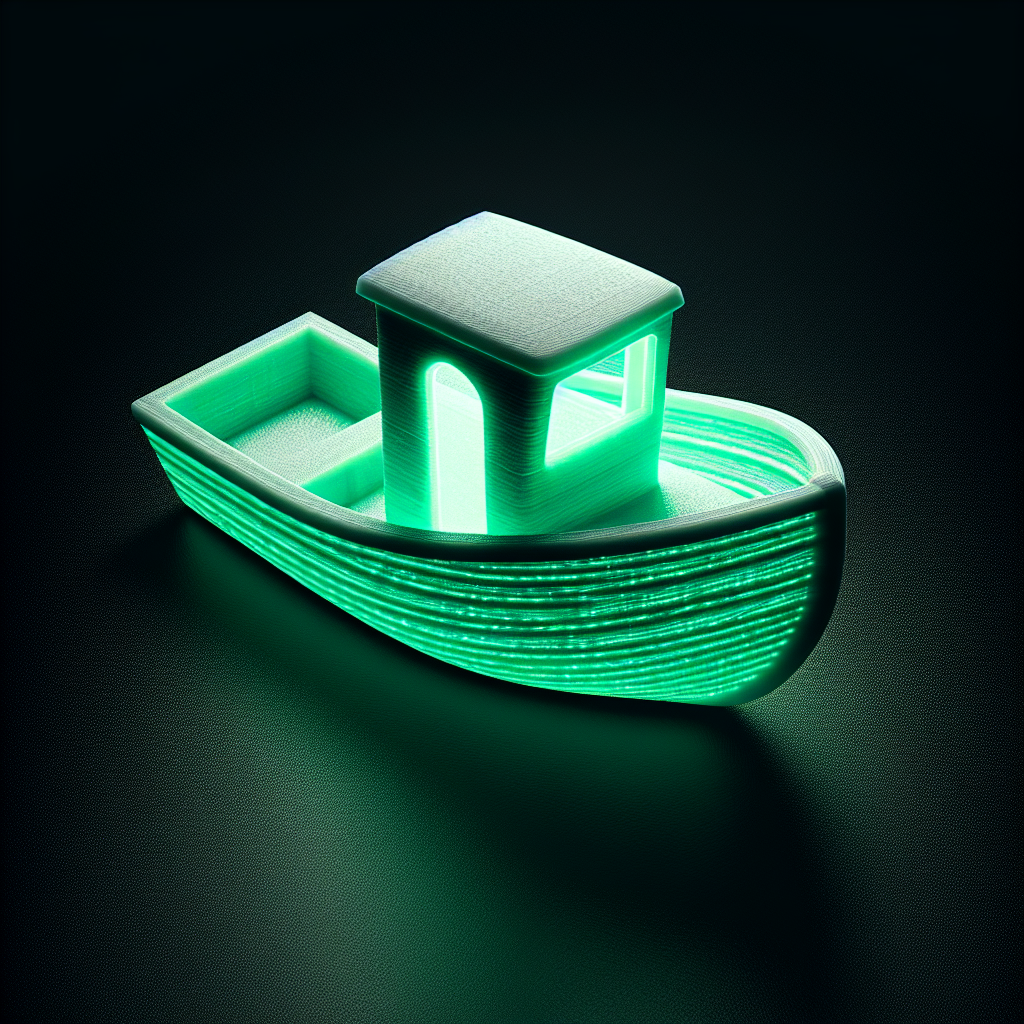
Glow-in-the-dark filament is a fantastic way to add a unique, eye-catching effect to your 3D printed projects. These special filaments typically contain phosphorescent materials—most commonly strontium aluminate—that absorb light and slowly release it, causing the printed object to glow in the dark. Available primarily in PLA (but sometimes PETG and ABS), glow-in-the-dark filaments are similar to standard filaments but do present a few unique printing challenges.
Choosing the Right Glow-in-the-Dark Filament
When selecting a glow-in-the-dark filament, consider the following:
- Base Material: PLA is the most common and beginner-friendly option, but PETG and ABS variants exist for more advanced users.
- Glow Color: Green is the brightest and longest-lasting glow, but blue, aqua, and other colors are also available.
- Particle Size: Larger glow particles tend to produce a brighter effect but can be more abrasive on your nozzle.
Choose a reputable brand for consistent glow quality and to avoid unwanted impurities in the filament.
Printer Preparation and Hardware Tips
Glow-in-the-dark filaments are more abrasive than standard PLA due to the embedded phosphorescent particles. Here’s how to prepare:
- Use a Hardened Nozzle: Brass nozzles wear out quickly. Switch to a hardened steel or ruby-tipped nozzle to extend its life.
- Check Filament Path: Ensure all filament guides and extruder paths are clean and unobstructed, as the particles can cause jams in tight bends.
- Maintain a Clean Build Plate: Good first-layer adhesion is crucial; clean your build surface with isopropyl alcohol before printing.
Optimal Print Settings for Glow Filament
Glow-in-the-dark filament prints similarly to its base material, but small tweaks can improve your results:
- Temperature: Start with the manufacturer’s recommended temperature. PLA-based glow filament usually prints well at 200–220°C.
- Print Speed: Slow down your print to 30–50mm/s. The glowing particles can affect flow and layer adhesion if printed too quickly.
- Layer Height: Thicker layers (0.2mm or greater) can trap more glowing material, making for a brighter effect.
- Retraction: You may need to increase retraction slightly to prevent stringing from the added particles.
Always print a small test object first to dial in these settings.
Design Tips for Maximum Glow
Not every model glows equally. Here’s how to make your prints pop:
- Wall Thickness: Increase wall thickness or use a higher infill for a more intense glow, as more material means more glow pigment.
- Surface Texture: Smooth, curved surfaces show off the glow better than flat, thin, or highly detailed areas.
- Print Size: Larger objects with more glowing material will be brighter and retain their glow longer.
Consider hollowing out large prints and inserting LEDs or lights to charge the glow from the inside.
Charging and Displaying Glow Prints
Glow-in-the-dark prints need to be “charged” by exposing them to light. Here’s how to get the best effect:
- UV Light: A UV flashlight or direct sunlight charges glow filament much faster and brighter than regular indoor lighting.
- Duration: The longer the exposure, the longer and brighter the glow.
- Display Location: Place your prints near a light source to keep them glowing throughout the evening.
Troubleshooting Common Glow Filament Issues
- Nozzle Clogs: If you experience clogs, increase your nozzle temperature slightly and consider using a 0.6mm or larger nozzle for better flow.
- Layer Adhesion: If layers separate, slow down your print speed and consider printing at a slightly higher temperature for better bonding.
- Low Glow: If your print isn’t glowing as expected, try a thicker wall or solid infill, and ensure you’re using a bright enough light source to charge it.
Creative Project Ideas
Glow-in-the-dark filament is perfect for:
- Halloween decorations and costumes
- Nightlights and lamp shades
- Keychains and emergency exit markers
- Cosplay props
- Fun toys and puzzles for kids
Let your imagination run wild—the possibilities are endless!
Final Thoughts
Printing with glow-in-the-dark filament is a rewarding way to make your 3D print projects truly stand out. With the right setup and a bit of experimentation, you can create mesmerizing, glowing objects that are sure to impress. Remember to take care of your printer hardware, dial in the settings, and let your creativity shine—both in the light and the dark!
Leave a Reply