
Introduction to 3D Printed Mechanical Keyboard Cases
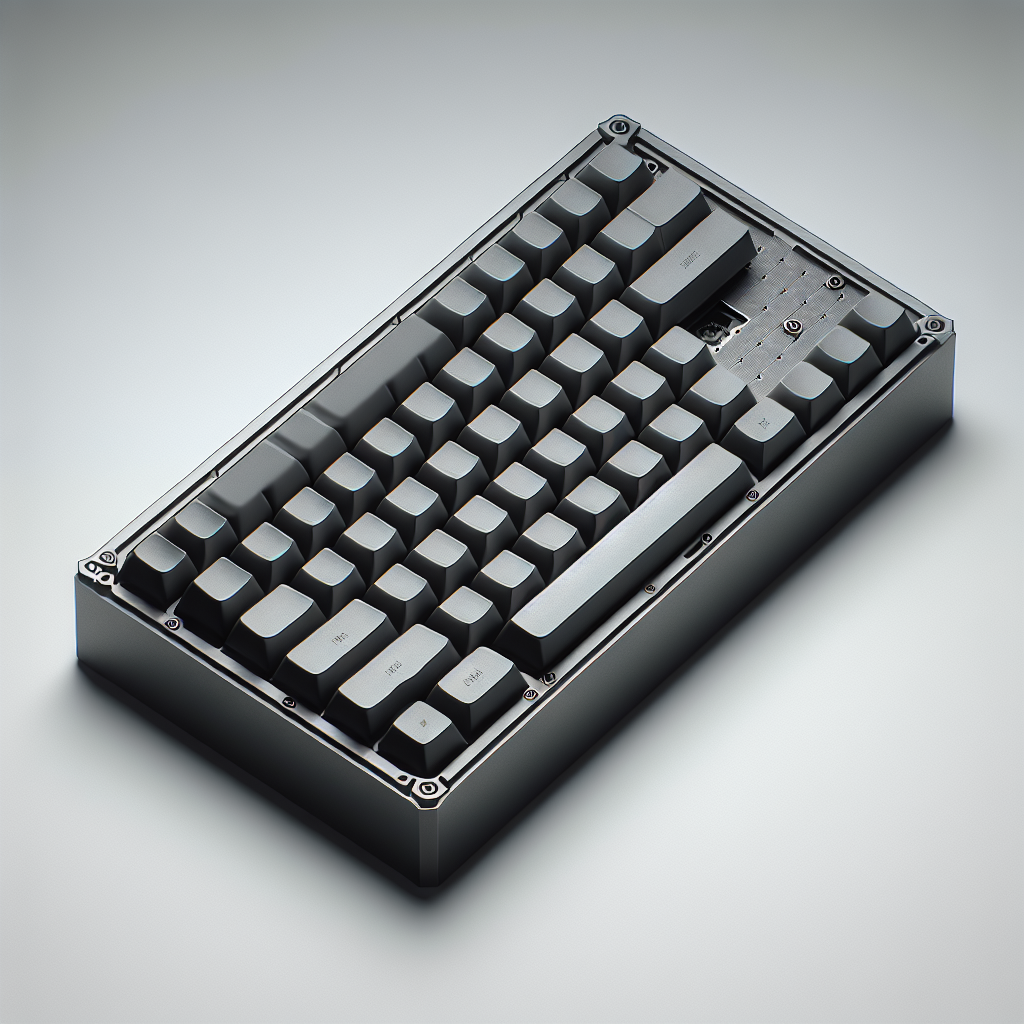
Designing and printing your own mechanical keyboard case is a rewarding project for enthusiasts and makers alike. With the increasing accessibility of 3D printing technologies, personalizing your desktop peripherals has never been easier. In this article, I’ll guide you through the essential steps to design, prepare, and print a custom keyboard case, sharing insights from years of hands-on experience in 3D printing.
Choosing the Right Mechanical Keyboard Layout
Before diving into CAD software, determine the keyboard layout you want. The most common form factors are 60%, 65%, TKL (tenkeyless), and full-size. Your layout decision will influence the case dimensions and internal mounting points.
- 60%: Compact, portable, omits function row and numpad.
- 65%: Slightly larger, includes arrow keys and some navigation keys.
- TKL: No numpad, but retains function row and navigational cluster.
- Full-size: Standard layout with all keys present.
Obtain or measure your PCB and plate, as these will dictate mounting locations and standoff heights in your CAD model.
Designing the Case in CAD Software
Use CAD software like Fusion 360, FreeCAD, or TinkerCAD to create your case design. Here are some considerations:
- PCB and Plate Dimensions: Import a DXF drawing or manually input the dimensions. Ensure you allow a clearance of at least 0.5-1mm around the PCB and plate for easy assembly.
- Mounting Points: Determine whether your PCB uses tray-mount, top-mount, or gasket-mount. Model standoffs or gasket slots accordingly.
- USB Port Cutout: Accurately position the USB port opening. Double-check orientation and measurements to avoid fitment issues.
- Case Height: Allow sufficient height for switches and stabilizers. A typical clearance above the PCB is 7-10mm, depending on your keycap profile.
- Feet and Ventilation: Add rubber feet recesses and consider ventilation slots for RGB or underglow lighting.
Adding Personal Touches
This is where 3D printing shines. Add custom engraving, unique contours, or even your handle/logo. You can experiment with split lines to make multi-color prints or incorporate design elements inspired by your favorite themes.
Preparing the Model for Printing
Export your model as a .STL file. Import it into your slicer (PrusaSlicer, Cura, Bambu Studio, etc.) and orient the model for optimal print quality and strength.
- Orientation: Print the case upside down (bottom on the print bed) for a smoother top surface. This reduces the need for supports on visible surfaces.
- Layer Height: For a good balance of strength and detail, use a 0.2mm layer height. For a finer finish, drop to 0.12mm.
- Infill: 20-30% infill is typically strong enough. Use grid or gyroid patterns for structural integrity.
- Supports: Add supports only where necessary, such as complex overhangs or the USB port cutout.
Selecting the Right Filament
The filament you choose affects the look, feel, and durability of your keyboard case.
- PLA: Easy to print, wide color range, but less heat and impact resistant. Good for prototypes.
- PETG: Better impact and heat resistance, good for daily use.
- ABS/ASA: Very strong and heat resistant, but requires an enclosed printer and good ventilation.
- Specialty Filaments: Wood fill, silk, or carbon fiber—great for aesthetics or additional strength, but may need printer upgrades (hardened nozzle).
Post-Processing and Assembly
Remove supports and sand any rough edges. If desired, wet-sand the exterior for a smoother finish. Test fit all components before final assembly.
- Threaded Inserts: For repeated assembly and disassembly, use heat-set threaded inserts for screws rather than self-tapping into plastic.
- Rubber Feet: Apply adhesive rubber pads to avoid sliding.
- Finishing Touches: Paint, hydro-dip, or clear-coat for a professional look.
Troubleshooting Common Issues
- Warping: Use a brim or enclosure, especially with ABS or large cases. PETG and PLA have less warping risk.
- Poor Fit: Double check your measurements; sometimes slicer or printer tolerances can tighten holes or slots. Slightly oversize cutouts if needed.
- Layer Separation: Raise bed temperature and slow down your print speed for large pieces.
Final Thoughts
Designing and 3D printing a custom mechanical keyboard case is an enriching project that blends engineering, aesthetics, and personal flair. With careful planning, accurate measurements, and the right material choices, you can create a unique, functional showpiece for your desk. Don’t be afraid to iterate—each version brings you closer to the perfect fit and finish for your ideal keyboard. Happy printing!
Leave a Reply